
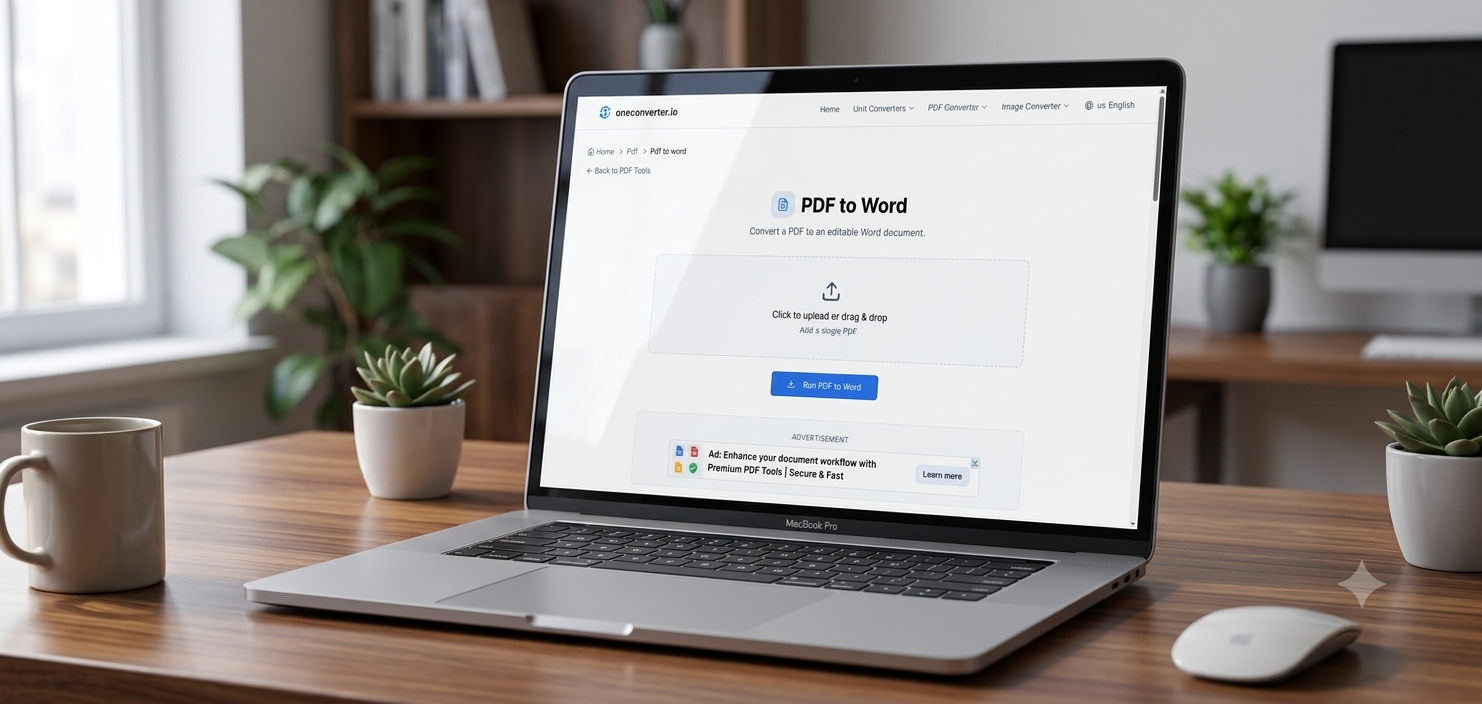
PDFs are everywhere — contracts, invoices, applications, reports — but the format resists exactly the things people usually need to do with it: edit, shrink, combine, split. OneConverter’s PDF tools handle the five tasks that come up most, directly in the browser.
In short: Convert, compress, merge, split, and extract from PDFs — no desktop software, no watermarks.
The 5 PDF tools worth knowing
1. PDF to Word
Converts a PDF into an editable .docx file while keeping the original layout intact — the go-to fix when you need to change text in a document that was only ever meant to be read, not edited.
2. Merge PDF
Combines multiple PDF files into one — useful for assembling scanned documents, application paperwork, or multi-part reports into a single file to send or archive.
3. Compress PDF
Reduces file size for email attachment limits or upload caps, without a noticeable drop in quality — solves the “file too large to attach” problem instantly.
4. Split PDF
Breaks a multi-page PDF into separate files or specific page ranges — useful when you only need to share or extract part of a larger document.
5. PDF to JPG
Converts PDF pages into standalone image files — handy for pulling a single page out to share on social media, embed in a slide, or preview quickly without opening a PDF reader.Try the PDF tools on OneConverter.io →
What to check before using any PDF tool online
For anything containing personal, financial, or contractual information, it’s worth confirming a tool processes files securely and doesn’t retain copies longer than necessary — a reasonable check for any PDF tool, not just this one.