
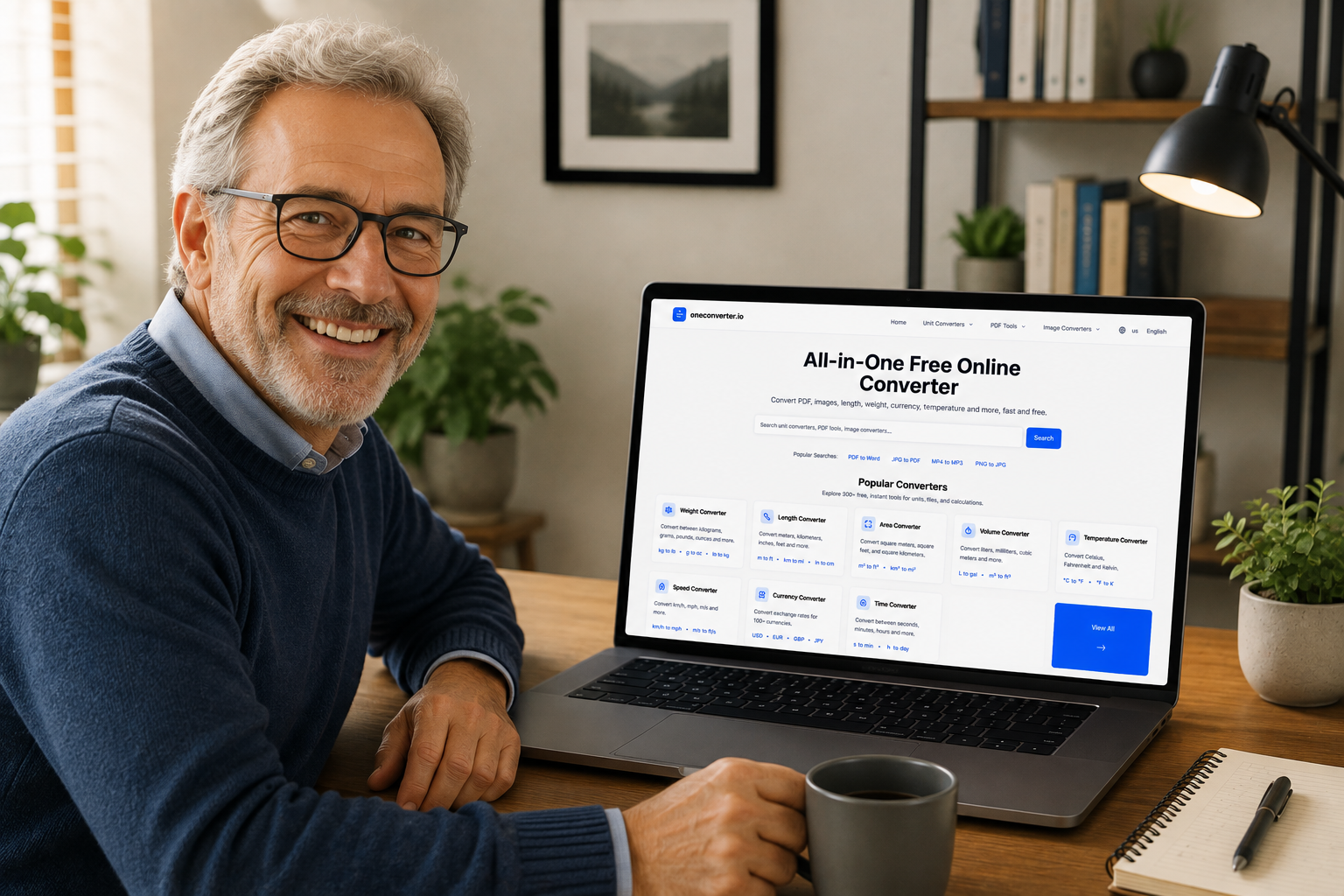
In the modern digital workplace, the Portable Document Format (PDF) has established itself as the universal standard for document sharing and preservation. However, the challenge lies in converting files to and from this versatile format. OneConverter.io addresses this need with a comprehensive PDF converter suite that transforms virtually any document type into a PDF—and vice versa .
Why Choose OneConverter for PDF Conversion?
OneConverter.io has established itself as a premier online PDF conversion platform, serving users worldwide with its powerful, free, and unlimited service. The platform stands out for several compelling reasons:
Comprehensive PDF Toolset
OneConverter provides an extensive array of PDF features beyond simple conversion. Users can create, edit, unlock, repair, protect, merge, split, rotate, compress, and convert PDFs effortlessly . The platform even offers unique capabilities like converting PDF files to Excel spreadsheets—a feature not commonly found in other PDF editors .
Truly Free and Unlimited
One of the most attractive aspects of OneConverter is its completely free service model. Users can convert unlimited files without any daily quotas or hidden costs. No registration or account creation is required, making the service instantly accessible to everyone .
Security and Privacy First
OneConverter prioritizes user data security through several protective measures:
- Encrypted Transfers: All file transfers utilize SSL encryption to protect user data
- Automatic Deletion: Uploaded files are automatically deleted from servers within 24 hours
- Manual Deletion Option: Users can immediately delete files after conversion
- Randomized File Names: File names are renamed to random strings, preventing unauthorized identification
All PDF Converter Extensions Available on OneConverter
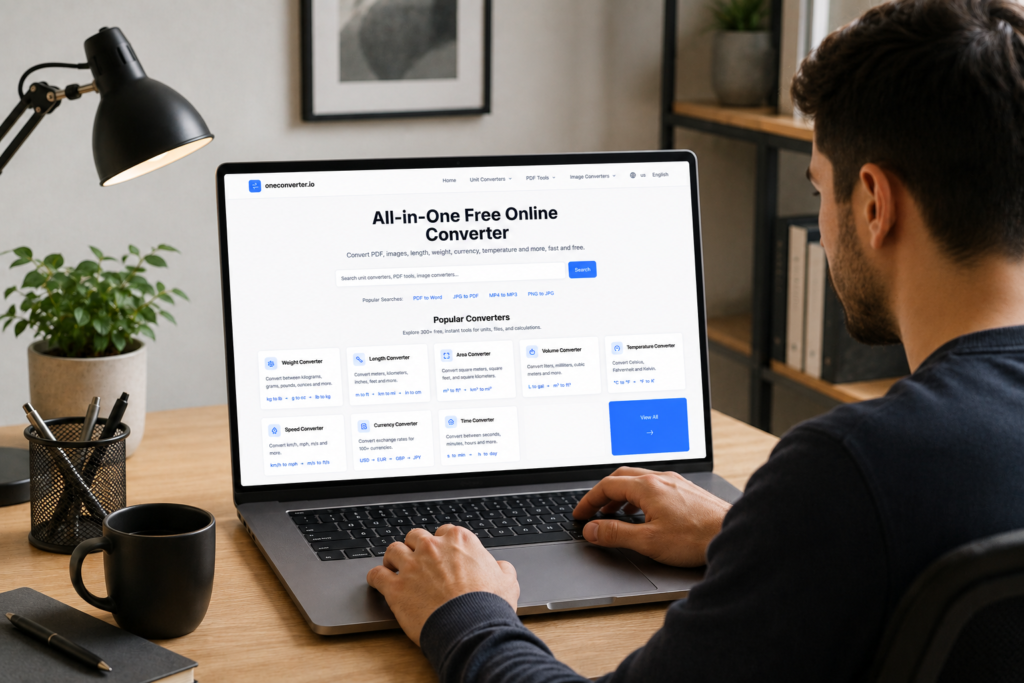
OneConverter.io supports an extensive range of conversion options for PDF files, enabling seamless transformation between virtually every document and image format.
Convert Any File to PDF
The platform allows users to convert numerous file types into PDF format:
Document Formats:
- Word to PDF: Convert DOC and DOCX files to PDF while preserving formatting and layout
- Excel to PDF: Transform XLS and XLSX spreadsheets into PDF documents
- PowerPoint to PDF: Convert PPT and PPTX presentations to PDF format
Image Formats:
- PNG to PDF: Convert PNG images to PDF while maintaining original resolution and image quality
- JPG to PDF: Transform JPG/JPEG images into PDF documents
- PDF/A Support: Convert to PDF/A format for long-term archiving
Convert PDF to Other Formats
OneConverter also enables conversion in the opposite direction, transforming PDF documents into various file types:
Document Formats:
- PDF to Word: Convert PDF to editable DOC or DOCX files
- PDF to Excel: Extract tables and data from PDF to XLS or XLSX spreadsheets
- PDF to PowerPoint: Transform PDF documents into editable PPTX presentations
Image Formats:
- PDF to PNG: Convert PDF pages to high-quality PNG images, ideal for presentations and design work
- PDF to JPG: Transform PDF documents into JPEG images
Other Formats:
Popular PDF Conversion Tools in Detail
PNG to PDF Converter
Converting PNG images to PDF format offers numerous advantages. PDF documents maintain image quality while providing wider compatibility across devices and platforms . This conversion is particularly useful for:
- Creating reports and presentations from image collections
- Ensuring document security and structure
- Simplifying printing and sharing of multiple images
- Maintaining resolution and clarity in professional documents
PowerPoint to PDF Converter
Transforming PowerPoint presentations to PDF format preserves the visual quality and layout of slides while making them universally accessible . The conversion process:
- Maintains image resolution and clarity
- Preserves slide formatting and transitions
- Creates a shareable, non-editable version of presentations
- Ensures compatibility across all devices and platforms
PDF to PNG Converter
Converting PDF to PNG provides significant benefits for graphic design and digital sharing:
- Enables extraction of individual pages as standalone images
- Supports transparency for design layering
- Maintains high quality with reduced file size
- Facilitates use in websites, emails, and design projects
How to Use OneConverter’s PDF Tools
The conversion process on OneConverter is streamlined for maximum ease of use:
- Select Your File: Choose your file using the “Select files” button or simply drag and drop it into the upload area
- Wait for Processing: The conversion completes in seconds with automatic processing
- Download Results: Save the converted file to your computer or directly to cloud storage services like Google Drive or Dropbox
Mobile and Cross-Platform Accessibility
OneConverter operates entirely through web browsers, requiring no software installation . The platform is fully optimized for:
- Windows, macOS, and Linux operating systems
- Smartphones and tablets (iOS and Android)
- Any device with an internet connection
Conclusion
OneConverter.io stands as the ultimate PDF converter solution, offering comprehensive format support with its extensive range of extensions. Whether you need to convert documents, presentations, or images to and from PDF format, the platform delivers fast, secure, and high-quality results. With its free unlimited service, no-registration requirement, and commitment to user privacy, OneConverter has become the go-to choice for individuals and professionals worldwide seeking reliable PDF conversion tools .
The platform’s versatility in supporting both PDF creation and extraction across numerous file formats ensures that users can handle any document conversion task efficiently and effectively, making it an indispensable tool in today’s digital workflow.In the modern digital workplace, the Portable Document Format (PDF) has established itself as the universal standard for document sharing and preservation. However, the challenge lies in converting files to and from this versatile format. OneConverter.io addresses this need with a comprehensive PDF converter suite that transforms virtually any document type into a PDF—and vice versa .
Why Choose OneConverter for PDF Conversion?
OneConverter.io has established itself as a premier online PDF conversion platform, serving users worldwide with its powerful, free, and unlimited service. The platform stands out for several compelling reasons:
Comprehensive PDF Toolset
OneConverter provides an extensive array of PDF features beyond simple conversion. Users can create, edit, unlock, repair, protect, merge, split, rotate, compress, and convert PDFs effortlessly . The platform even offers unique capabilities like converting PDF files to Excel spreadsheets—a feature not commonly found in other PDF editors .
Truly Free and Unlimited
One of the most attractive aspects of OneConverter is its completely free service model. Users can convert unlimited files without any daily quotas or hidden costs. No registration or account creation is required, making the service instantly accessible to everyone .
Security and Privacy First
OneConverter prioritizes user data security through several protective measures:
- Encrypted Transfers: All file transfers utilize SSL encryption to protect user data
- Automatic Deletion: Uploaded files are automatically deleted from servers within 24 hours
- Manual Deletion Option: Users can immediately delete files after conversion
- Randomized File Names: File names are renamed to random strings, preventing unauthorized identification
All PDF Converter Extensions Available on OneConverter
OneConverter.io supports an extensive range of conversion options for PDF files, enabling seamless transformation between virtually every document and image format.
Convert Any File to PDF
The platform allows users to convert numerous file types into PDF format:
Document Formats:
- Word to PDF: Convert DOC and DOCX files to PDF while preserving formatting and layout
- Excel to PDF: Transform XLS and XLSX spreadsheets into PDF documents
- PowerPoint to PDF: Convert PPT and PPTX presentations to PDF format
Image Formats:
- PNG to PDF: Convert PNG images to PDF while maintaining original resolution and image quality
- JPG to PDF: Transform JPG/JPEG images into PDF documents
- PDF/A Support: Convert to PDF/A format for long-term archiving
Convert PDF to Other Formats
OneConverter also enables conversion in the opposite direction, transforming PDF documents into various file types:
Document Formats:
- PDF to Word: Convert PDF to editable DOC or DOCX files
- PDF to Excel: Extract tables and data from PDF to XLS or XLSX spreadsheets
- PDF to PowerPoint: Transform PDF documents into editable PPTX presentations
Image Formats:
- PDF to PNG: Convert PDF pages to high-quality PNG images, ideal for presentations and design work
- PDF to JPG: Transform PDF documents into JPEG images
Other Formats:
Popular PDF Conversion Tools in Detail
PNG to PDF Converter
Converting PNG images to PDF format offers numerous advantages. PDF documents maintain image quality while providing wider compatibility across devices and platforms . This conversion is particularly useful for:
- Creating reports and presentations from image collections
- Ensuring document security and structure
- Simplifying printing and sharing of multiple images
- Maintaining resolution and clarity in professional documents
PowerPoint to PDF Converter
Transforming PowerPoint presentations to PDF format preserves the visual quality and layout of slides while making them universally accessible . The conversion process:
- Maintains image resolution and clarity
- Preserves slide formatting and transitions
- Creates a shareable, non-editable version of presentations
- Ensures compatibility across all devices and platforms
PDF to PNG Converter
Converting PDF to PNG provides significant benefits for graphic design and digital sharing:
- Enables extraction of individual pages as standalone images
- Supports transparency for design layering
- Maintains high quality with reduced file size
- Facilitates use in websites, emails, and design projects
How to Use OneConverter’s PDF Tools
The conversion process on OneConverter is streamlined for maximum ease of use:
- Select Your File: Choose your file using the “Select files” button or simply drag and drop it into the upload area
- Wait for Processing: The conversion completes in seconds with automatic processing
- Download Results: Save the converted file to your computer or directly to cloud storage services like Google Drive or Dropbox
Mobile and Cross-Platform Accessibility
OneConverter operates entirely through web browsers, requiring no software installation . The platform is fully optimized for:
- Windows, macOS, and Linux operating systems
- Smartphones and tablets (iOS and Android)
- Any device with an internet connection
Conclusion
OneConverter.io stands as the ultimate PDF converter solution, offering comprehensive format support with its extensive range of extensions. Whether you need to convert documents, presentations, or images to and from PDF format, the platform delivers fast, secure, and high-quality results. With its free unlimited service, no-registration requirement, and commitment to user privacy, OneConverter has become the go-to choice for individuals and professionals worldwide seeking reliable PDF conversion tools .
The platform’s versatility in supporting both PDF creation and extraction across numerous file formats ensures that users can handle any document conversion task efficiently and effectively, making it an indispensable tool in today’s digital workflow.