
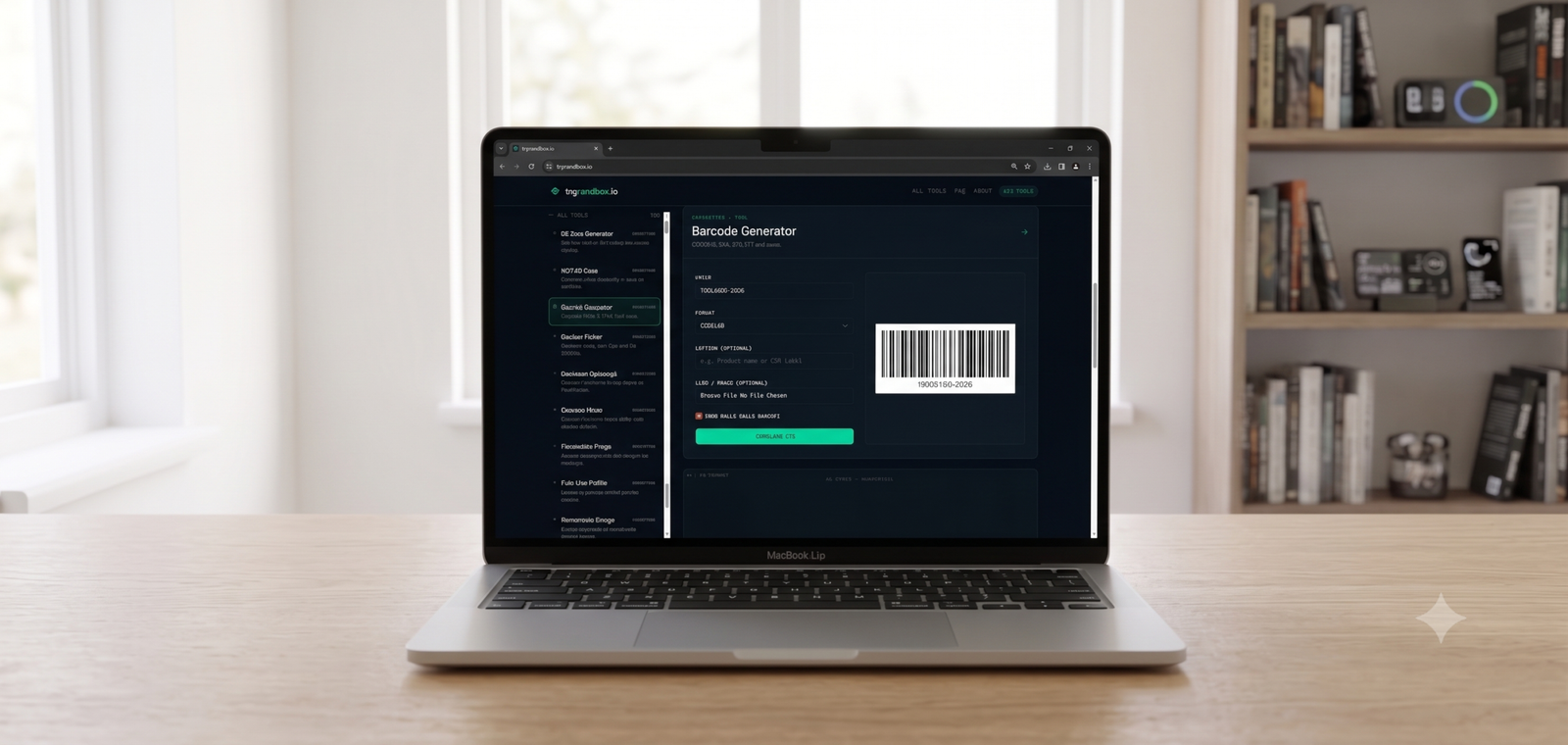
Small businesses and side-project sellers often need real, scannable barcodes without buying inventory software. trySandbox’s Barcode Generator covers the common standards directly in the browser.
In short: Enter your code/value, pick a format (CODE128, EAN, UPC, ITF), get a scannable barcode instantly.
Which format to use
UPC and EAN are standard for retail products (EAN is the international variant of UPC). CODE128 is more flexible and common for internal inventory, shipping labels, or asset tracking where you’re not selling through a retail barcode registry.
Step-by-step
- Open the Barcode Generator on trySandbox.
- Choose your barcode format.
- Enter the code or number to encode.
- Download the generated barcode image.
Generate a barcode on trySandbox.io →
Selling on major retail platforms?
If you’re listing products on Amazon or similar marketplaces that require registered UPCs, you’ll need officially issued codes (via GS1) rather than self-generated ones — this tool is best for internal use, labeling, or platforms that accept your own codes.