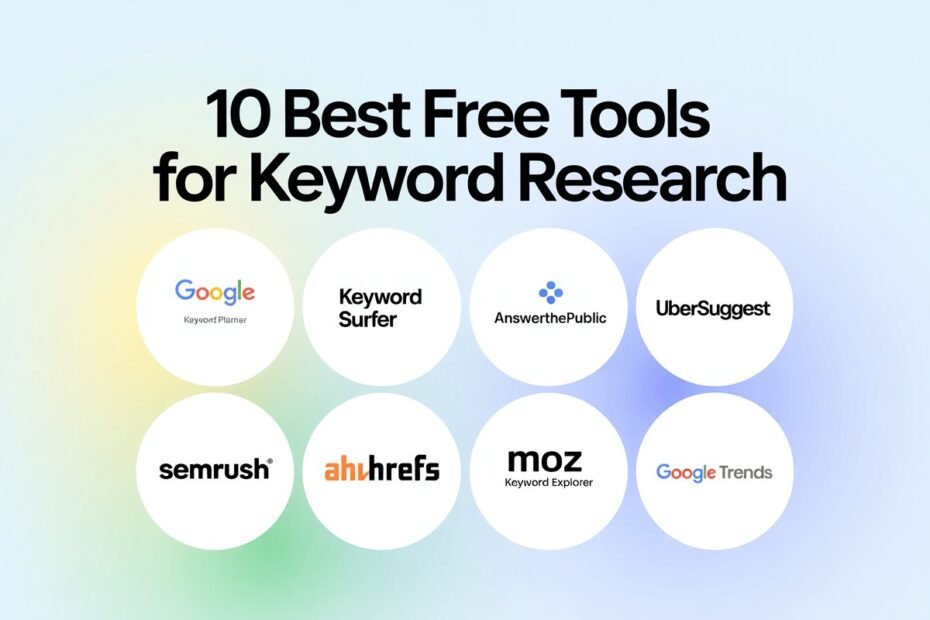
Keyword research tools vary widely in data accuracy, feature depth, and price. Here’s how the major options compare so you can pick the right one for your budget and site stage.
Free Keyword Research Tools
Tool
Data Source
Key Feature
Limitation
Google Keyword Planner
Google Ads data
Real search volume ranges
Requires a Google Ads account; volumes shown as ranges, not exact
Shows whether a keyword triggers featured snippets, People Also Ask, etc.
Historical trend data
Reveals whether interest in a keyword is rising or declining
Content gap analysis
Surfaces keywords competitors rank for that you don’t
Free vs. Paid: What You Actually Gain by Upgrading
Capability
Free Tools
Paid Tools
Basic volume estimates
Yes (ranges)
Yes (more precise)
Competitor keyword gap analysis
No
Yes
Bulk keyword export
Limited
Yes
Historical ranking data
No
Yes
Difficulty scoring accuracy
Rough
Much more reliable
Recommended Workflow by Budget
Budget
Recommended Approach
$0
Google Keyword Planner + Search Console + Google Trends combo
Under $70/mo
SE Ranking or KWFinder
$100+/mo
Ahrefs or Semrush for full competitive research
How to Use a Keyword Tool Effectively (Not Just Collect Data)
Start with a seed keyword relevant to your niche
Export the full list of suggested related keywords
Filter by realistic difficulty relative to your site’s current authority
Group keywords by search intent (informational, commercial, transactional)
Prioritize based on a combination of volume, difficulty, and intent match — not volume alone
Final Takeaway
The most expensive keyword tool isn’t automatically the right choice — a newer site benefits more from free tools plus disciplined intent-matching than from an expensive platform’s raw data volume it isn’t yet ready to fully use. Upgrade once you’ve outgrown what free tools can realistically support.