
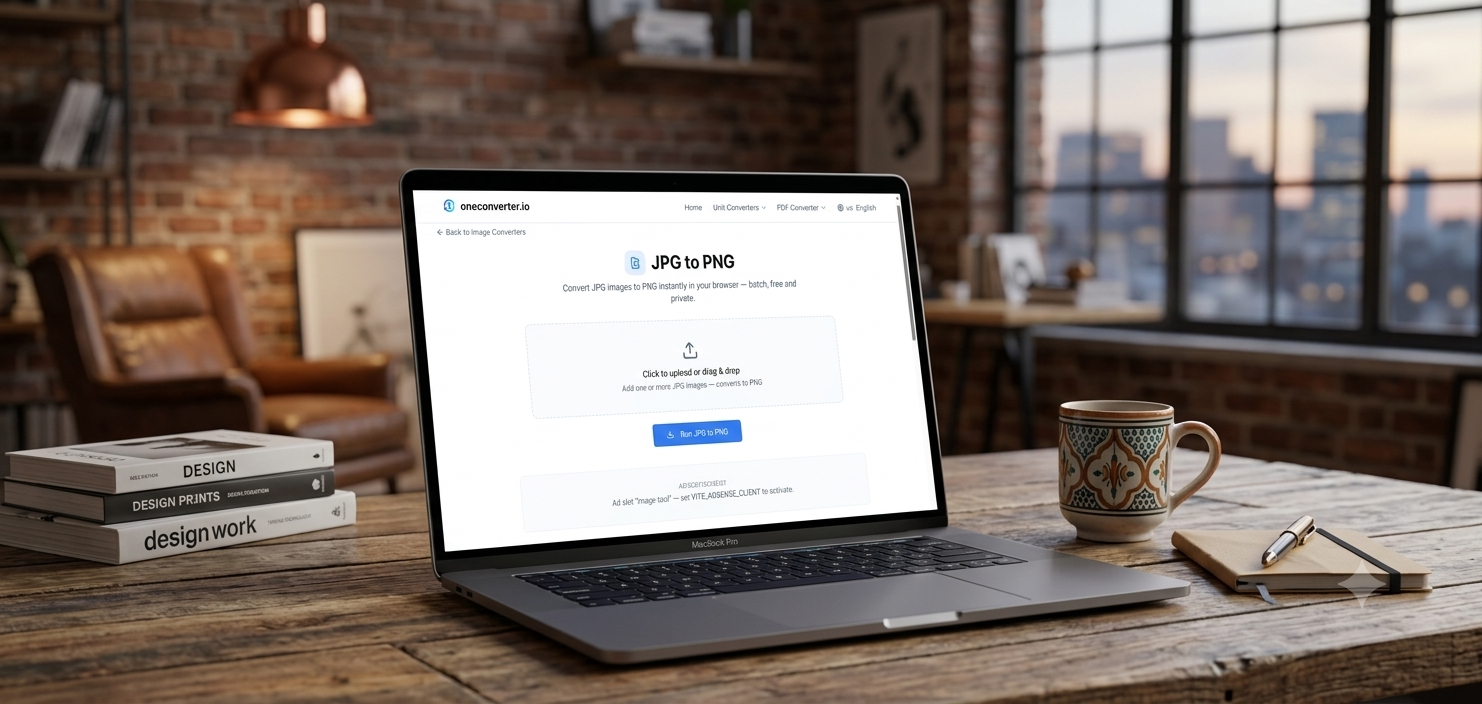
Images cause more small friction than people expect — a HEIC photo that won’t open, a PNG too heavy for a web page, a picture that needs resizing before it’ll upload. OneConverter’s image tools cover the five situations that come up most often.
In short: Convert formats, compress, and resize images directly in the browser — no install, no watermark.
The 5 image tools worth knowing
1. Image Format Converter
Converts between PNG, JPG, WebP, HEIC, and GIF — the fix for a file that opens fine on one device or app but not another.
2. Image Compressor
Shrinks file size while keeping quality close to the original — solves upload limits and slow-loading web pages without a visible quality hit.
3. HEIC to JPG
Converts iPhone photos into the universally-supported JPG format — a very common need since HEIC often fails to open on non-Apple software.
4. Image Resizer
Resizes an image to exact dimensions or a target file size — useful for profile photos, listing images, or any platform with strict upload requirements.
5. PNG to JPG
Converts PNG to the smaller, more widely compatible JPG format — the most common single conversion request for web use and email attachments.Try the Image tools on OneConverter.io →
Format vs. compression — know the difference
Converting format (e.g. PNG to JPG) and compressing (reducing file size within the same format) solve different problems. If a photo just needs to be smaller without changing its format, compression alone is usually the better first step before converting.