
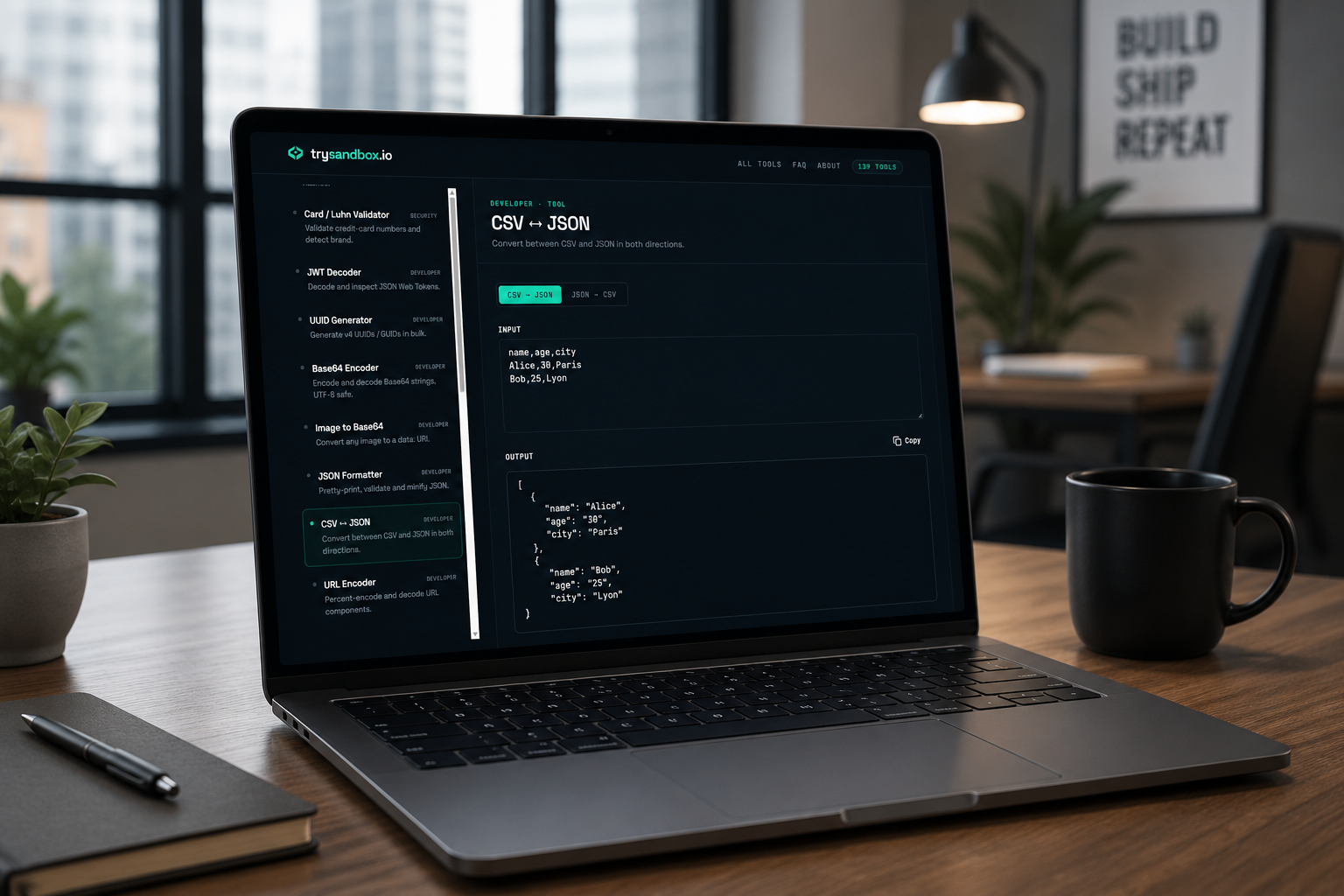
Security-adjacent tasks — generating a password, hashing a value, decoding a token — are exactly the kind of thing you don’t want to run through some random server. Pasting a secret into a third-party tool means trusting that tool with it. trySandbox’s security tools run entirely client-side, so nothing you type ever gets uploaded anywhere. Here are the ones people reach for most.
In short: Everything below runs locally in your browser — no server round-trip, no logging, nothing transmitted.
The most useful security tools, and when to use them
1. Password Generator
Cryptographically strong random passwords — the baseline tool everyone needs sooner or later, for personal accounts or generating service credentials.
2. Hash Generator
MD5, SHA-1, SHA-256, and SHA-512 hashes — for checksums and verifying file integrity, not for password storage (that’s what bcrypt is for, below).
3. PHP password_hash
Generates bcrypt hashes compatible with PHP’s password_hash() and password_verify() — useful for seeding test users or debugging auth without exposing plaintext passwords in code.
4. JWT Decoder
Decode and inspect JSON Web Tokens locally — a much safer habit than pasting an auth token into an unfamiliar online decoder.
5. TOTP 2FA Secret
Generates an authenticator secret with a QR code and otpauth URL — handy when setting up or testing two-factor auth flows during development.
6. SSH Key Generator
Generates an OpenSSH public key and PKCS#8 private key pair — useful for quick test environments and throwaway keys (production keys are a different story, but this covers dev/test needs).
7. PEM / SSL Certificate Decoder
Decodes PEM certificates and keys — subject, validity dates, algorithms — without needing OpenSSL commands memorized for a one-off check.Browse all 139 tools on trySandbox.io →
Why this matters more for security tools specifically
Formatting JSON or generating a UUID carries no real risk if a tool logs your input. Security tools are different — a password, a private key, or a JWT is sensitive by definition. Running these entirely in-browser, with nothing sent to a server, is the actual differentiator here rather than a marketing line.