
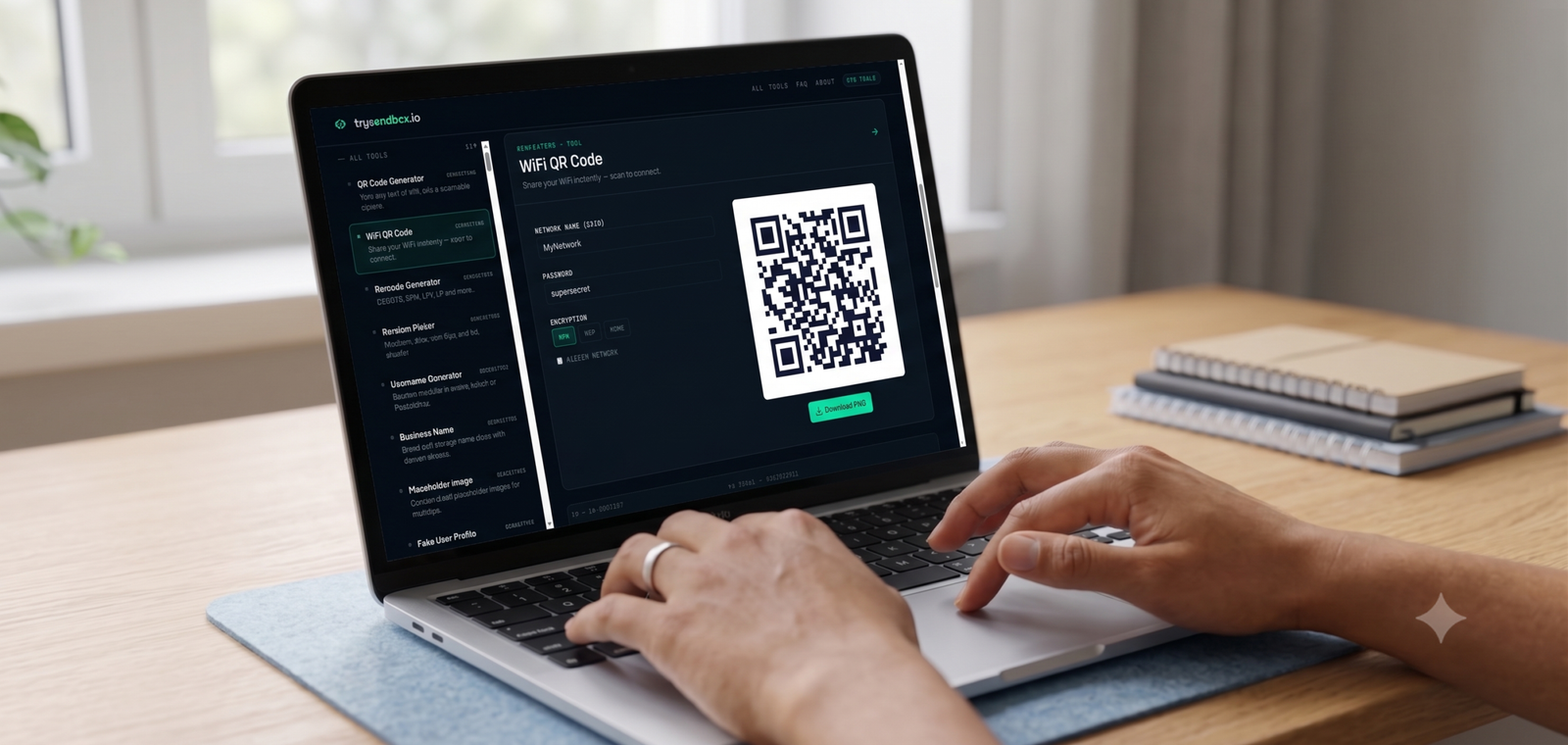
Reading out a long WiFi password character by character to a guest is a small but recurring annoyance. A WiFi QR code fixes it — scan, connect, done. trySandbox’s WiFi QR Code generator builds one in seconds, entirely in your browser.
In short: Enter your network name and password, get a scannable QR code that connects devices automatically — no typing required.
Where this is genuinely useful
Printed and taped near a router for guests, added to an Airbnb welcome sheet, or included in a small business’s customer WiFi signage — anywhere someone would otherwise need to type a password manually.
Step-by-step
- Open the WiFi QR Code tool on trySandbox.
- Enter your network name (SSID) and password.
- Select the security type (WPA/WPA2 is standard for most home routers).
- Download or print the generated QR code.
Generate a WiFi QR Code on trySandbox.io →
Security note
Since everything runs client-side in your browser, your password isn’t sent to a server — worth confirming for any WiFi QR tool, since this is exactly the kind of credential you don’t want logged somewhere.