
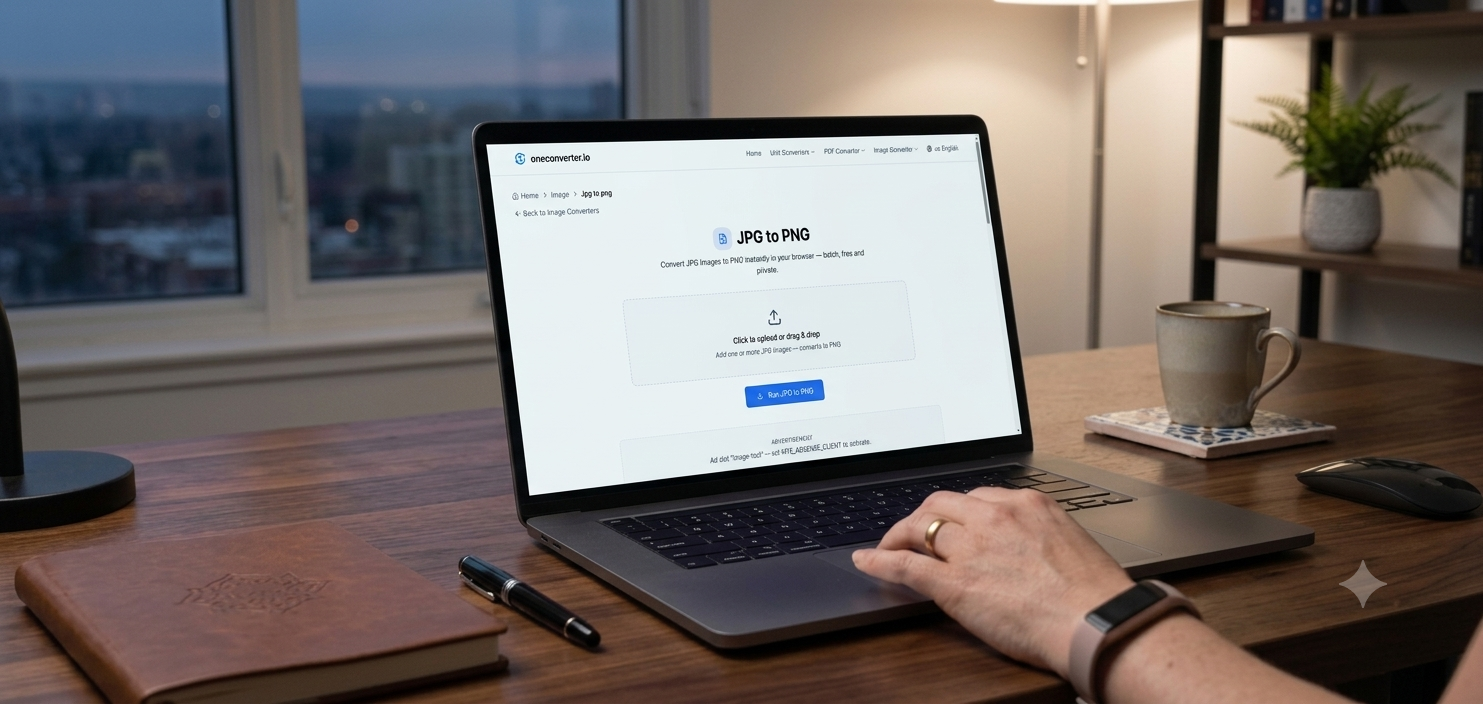
JPG is great for photos but terrible the moment you need a transparent background or lossless editing quality — logos, icons, and design assets almost always need to live in PNG instead. OneConverter handles this conversion directly in the browser.
In short: Upload a JPG, convert to PNG, download — no quality loss added in the process, though JPG’s original compression can’t be reversed.
Why convert JPG to PNG
PNG supports transparency and lossless compression, which matters most for logos, screenshots with text, and any image you’ll edit again later. JPG re-compresses every time it’s saved, gradually degrading quality — PNG doesn’t have that problem.
Step-by-step
- Open the JPG to PNG tool on OneConverter.
- Upload your JPG file(s) — batch upload is supported.
- Convert and preview the result.
- Download the PNG file, ready to use anywhere transparency or lossless quality matters.
Convert JPG to PNG on OneConverter.io →
One thing to know
Converting JPG to PNG won’t add back detail JPG’s compression already discarded — it changes the format going forward, not the history of the file. For genuinely lossless results, start from the highest-quality source you have.