
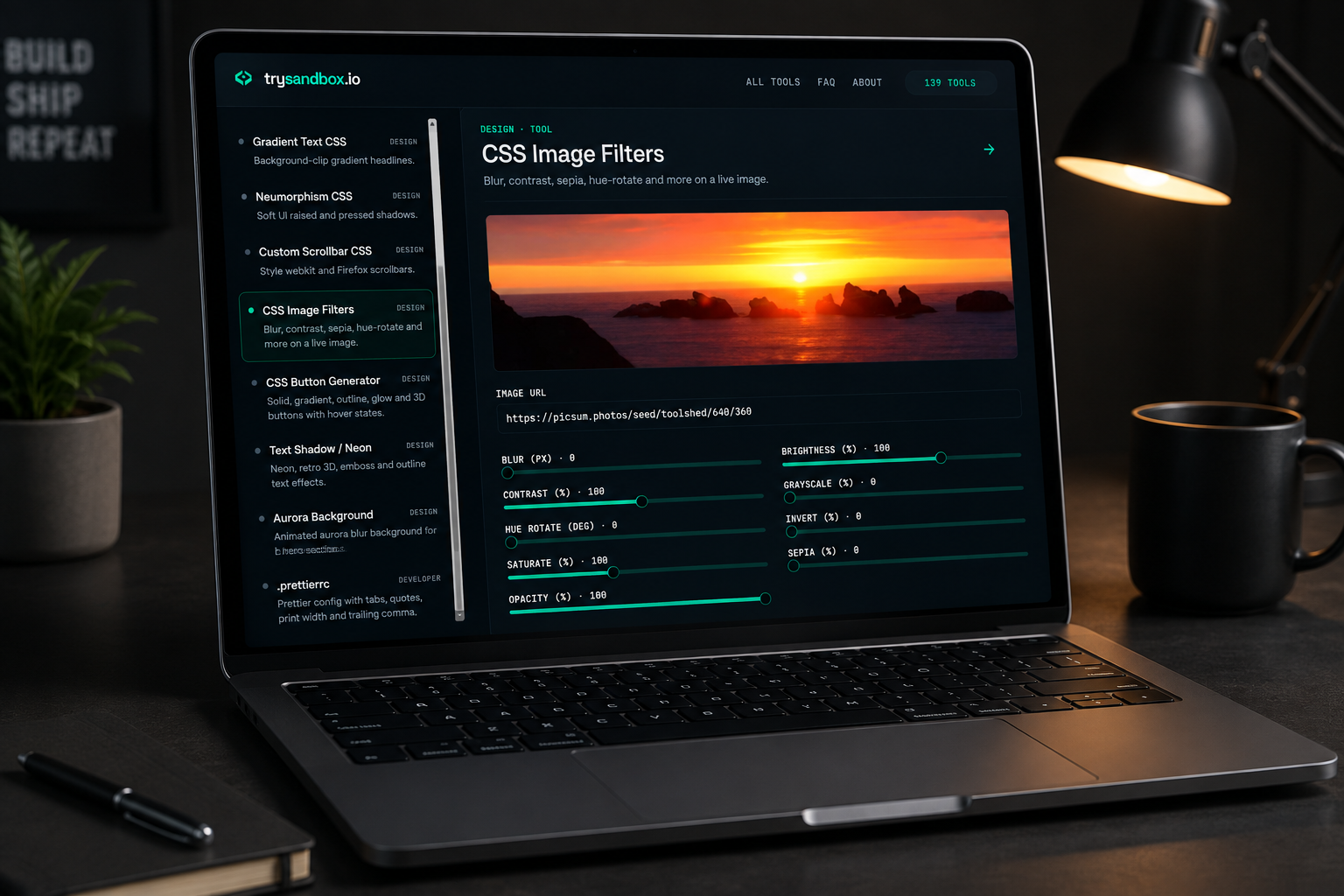
A lot of front-end polish comes down to small visual details — a gradient that doesn’t look flat, a shadow with the right softness, a border-radius that feels intentional instead of default. Hand-writing the CSS for these from scratch eats time for something a visual tool solves in seconds. trySandbox’s design tools generate copy-paste-ready CSS with a live preview, no build step required.
In short: Pick your settings visually, copy the generated CSS, paste it into your project — no design software needed.
The most useful CSS/design tools, and what they solve
1. CSS Gradient
Build and copy gradients visually — one of the most commonly searched CSS generator tools, since gradients are fiddly to get right by hand.
2. Color Converter
HEX ↔ RGB ↔ HSL with a live picker — a constant back-and-forth need when design specs and CSS use different color formats.
3. Color Palette
Generates harmonious palettes from a single seed color — useful for quickly building a coherent color scheme without a full design tool.
4. CSS Box Shadow
Visual box-shadow builder with live preview — shadows are one of those properties almost nobody writes correctly from memory on the first try.
5. CSS Grid Generator
A visual CSS Grid playground with copyable code — faster than trial-and-error editing grid-template-columns in devtools.
6. CSS Flexbox
Interactive flexbox playground for direction, justify, and align properties — still one of the most-searched CSS references years after flexbox shipped.
7. Fancy Border Radius
Asymmetric, organic border-radius shapes with live preview — the blob-style shapes common in modern hero sections and cards.
8. Glassmorphism CSS
Frosted-glass card effects with backdrop blur — a design trend that’s genuinely fiddly to tune by hand (blur amount, opacity, border) until you see it live.Browse all 139 tools on trySandbox.io →
Why visual tools beat writing this CSS from scratch
Properties like box-shadow, clip-path, and gradients take multiple numeric values working together — small changes compound in ways that are hard to predict just by editing numbers blind. Seeing the result update live as you adjust each value gets you to the right look faster than guessing and refreshing.